
Gixo Business brief mode guide
Brief Mode is the checked-summary workflow inside Gixo Business. Upload a source pack, choose the brief format you need, create a grounded draft with source notes, and keep the work ready for later deck or recommendation flows.
How It Works
From a source pack to a checked brief in six steps.
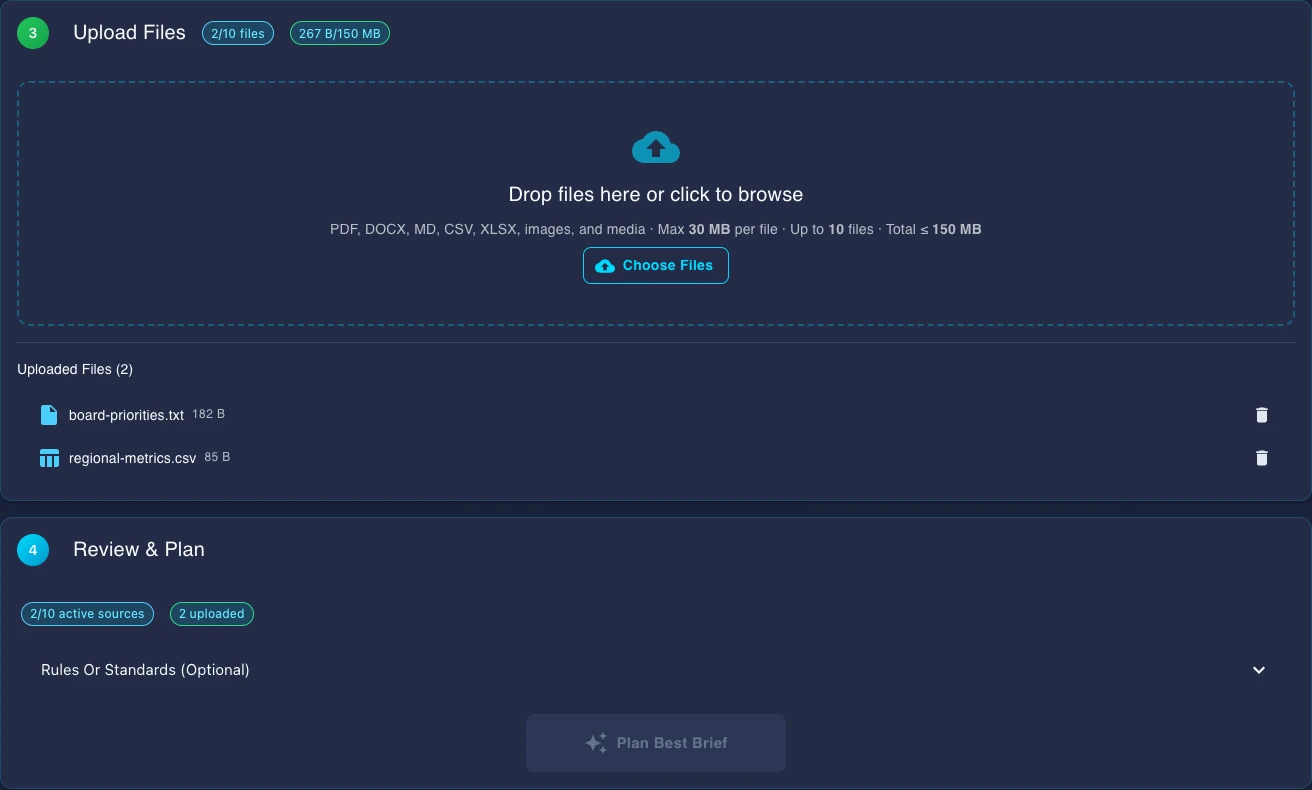
Drag and drop PDFs, DOCX files, or paste URLs. These become the source material the AI reads to build your brief.
Choose from 54 formats like executive summaries, competitive reports, strategy memos, board briefs, and more. Each one shapes the structure and tone of the brief.
Set your audience, detail level, brand voice, and any additional context. These settings tell the AI exactly how to frame and present the information from your sources.
Gixo reads your source files, checks the key facts and numbers, adds source notes, and builds the final brief in the format you picked.
Refine the brief in the editor. Move sections, rewrite paragraphs, add notes, or use AI help to adjust tone and detail without remaking the whole brief.
Export as PDF with professional formatting, share a read-only link with stakeholders, or publish internally for team review and collaboration.