
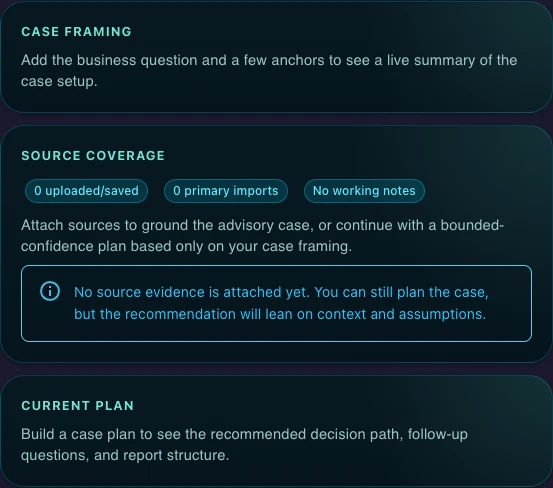
Case planning before output
Build the recommendation path first, including required inputs, follow-up questions, and report structure.
Good for one person turning a business question into a structured advisory case
Case planning from a business question
Follow-up questions and framework selection
Recommendation output plus decision and framework outputs
Starter trial on monthly plan
Good for teams reviewing recommendations and decision artifacts together
Everything in Starter
Internal sharing and comments
Review-ready advisory collaboration
Minimum 3 seats
Good for advisory workflows with shared review and decision discipline
Everything in Professional
Shared team workspaces
Brand and review workflows
Minimum 5 seats
For Azure and private-offer deployments
Everything in Business
Azure marketplace or private offer
Onboarding and commercial support
Enterprise rollout support
Recommendation Mode sits inside Gixo Business and works from the same source packs as Brief Mode and Briefing Decks. It is best when the work needs options, criteria, trade-offs, decision artifacts, and framework analysis.
Start with the business question, source pack, and constraints. Gixo frames the case, surfaces missing information, keeps facts, assumptions, and trade-offs separate, and helps your team build a decision-ready recommendation draft that can stay connected to decision and framework work.
Recommendation Mode is not just a report generator. The live workflow keeps the case plan, decision surface, and framework surface visible as connected artifacts.
Build the recommendation path first, including required inputs, follow-up questions, and report structure.
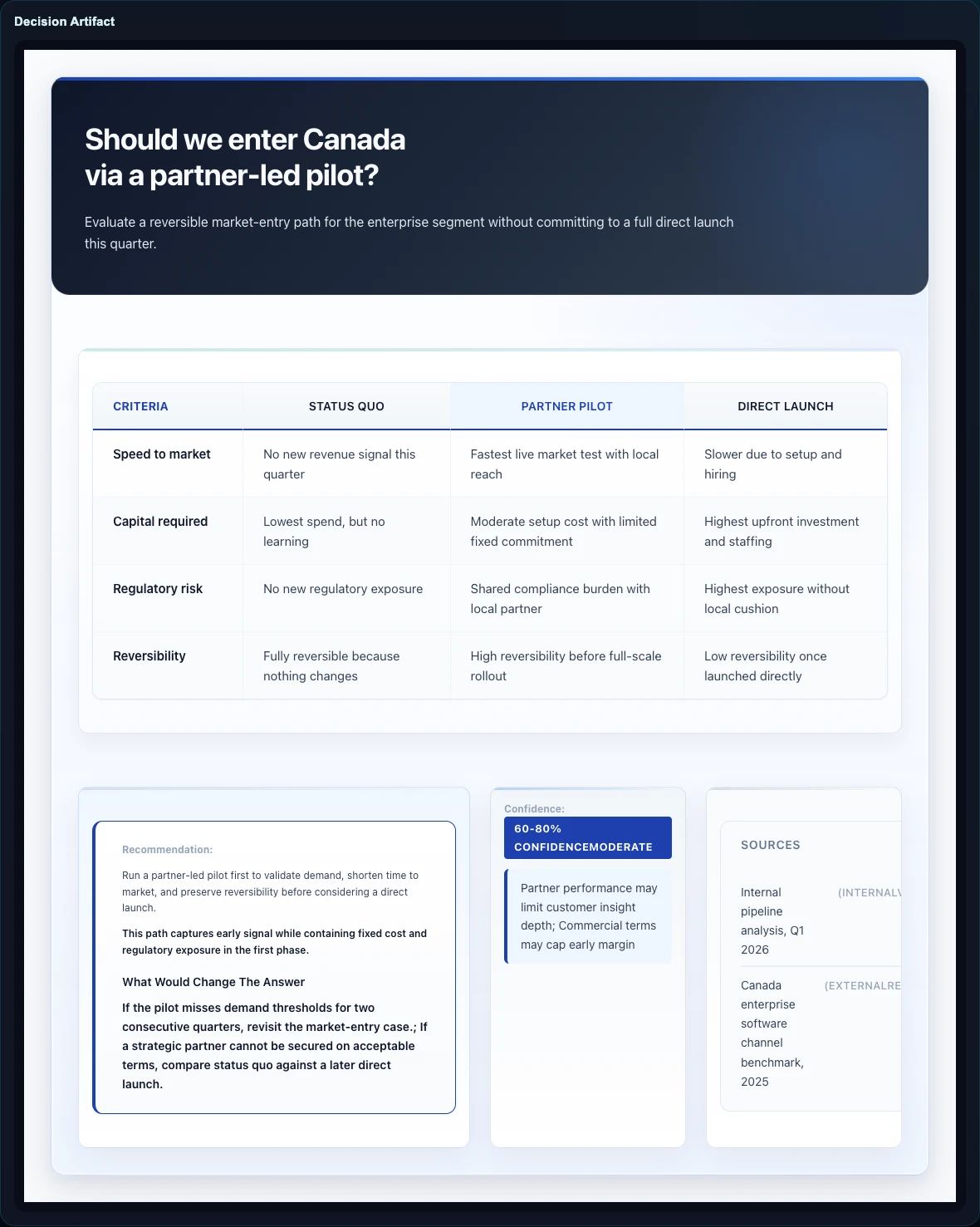
Keep options, recommendation, confidence, and source quality explicit for review.
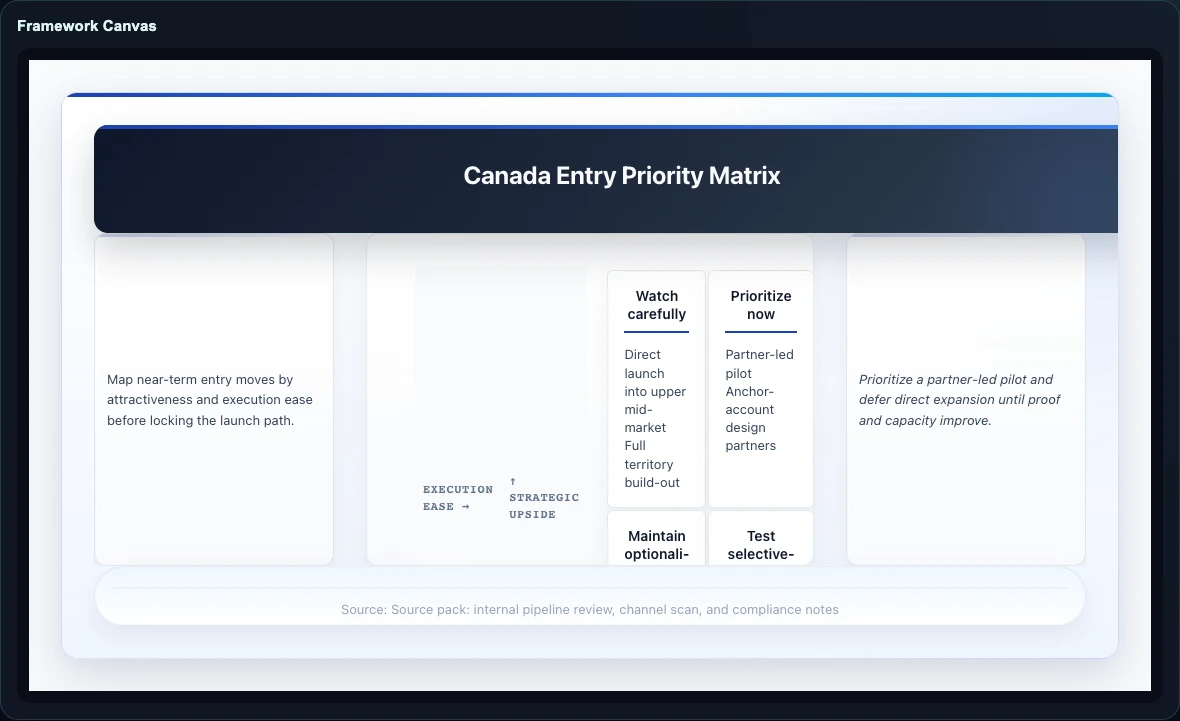
Use a structured analytical layout when the case needs a visual reasoning surface.
Turns a business problem into a structured recommendation workflow: business question, missing inputs, analytical path, recommendation draft, and linked decision work.
It is not just another summary flow. The runtime starts from a decision, selects the reasoning surface, and keeps facts, assumptions, inferences, and recommendations separate.
A decision-ready recommendation draft built from an analytical working paper, with connected decision and framework surfaces when the case needs them.
Gixo Business uses separate reasoning and delivery layers so decisions, frameworks, and recommendation drafts stay connected without collapsing into generic prose.
Start from the business question, decision-maker, timing, context, constraints, and explicit options when available.
Gixo infers the decision intent, picks the decision layout, and selects a supporting framework aligned to the case shape.
Missing criteria, evidence, or alternatives become follow-up questions instead of hidden assumptions or fabricated certainty.
Build a recommendation draft while keeping the related decision and framework work close to the same case, sources, and review flow.
Recommendation Mode is one part of Gixo Business. Use it alongside Brief Mode, Briefing Decks, decision artifacts, and framework work.
Start with the business question, upload the supporting context, and use Recommendation Mode to build a recommendation draft that stays tied to decision and framework work.
Open Recommendation Mode