
AI Deck Generator
Generate finished decks from a topic when you want the fastest first pass, or use the outline-first path when the deck needs to be built from notes, briefs, articles, and reference material.
Complete Deck Generation, Not Just Slides
One presentation workspace for teams that need a strong first pass, outline control, theme switching, citations, presenter tools, and delivery without rebuilding the deck somewhere else.
Keep decks grounded to source material and approved web research when needed. Gixo extracts key claims, highlights what needs verification, and surfaces citations, attribution, and trust status inside the deck viewer.
From title slide to closing CTA, the AI creates a complete deck with structured sections, logical flow, and professional formatting whether you start from a topic or build from an outline first.
The AI structures your deck with a compelling narrative arc — introduction, problem, solution, evidence, and conclusion — not just random slides.
Every slide in the generated deck shares the same typography, color palette, and visual language, and you can switch themes after generation without losing the content model.
Edit any slide after the deck is generated. Rewrite content, swap layouts, add or remove slides, and regenerate individual sections as needed.
Generate custom visuals for any slide with AI. Create illustrations, diagrams, and themed graphics that match your deck content automatically.
Download your completed deck as PDF, share it via link, or present directly in the browser with full-screen mode and keyboard navigation.
Proof from the actual deck workflow
Citations, speaker notes, present mode, and PPTX, PDF, HTML, and slide-image exports stay attached to the same deck.
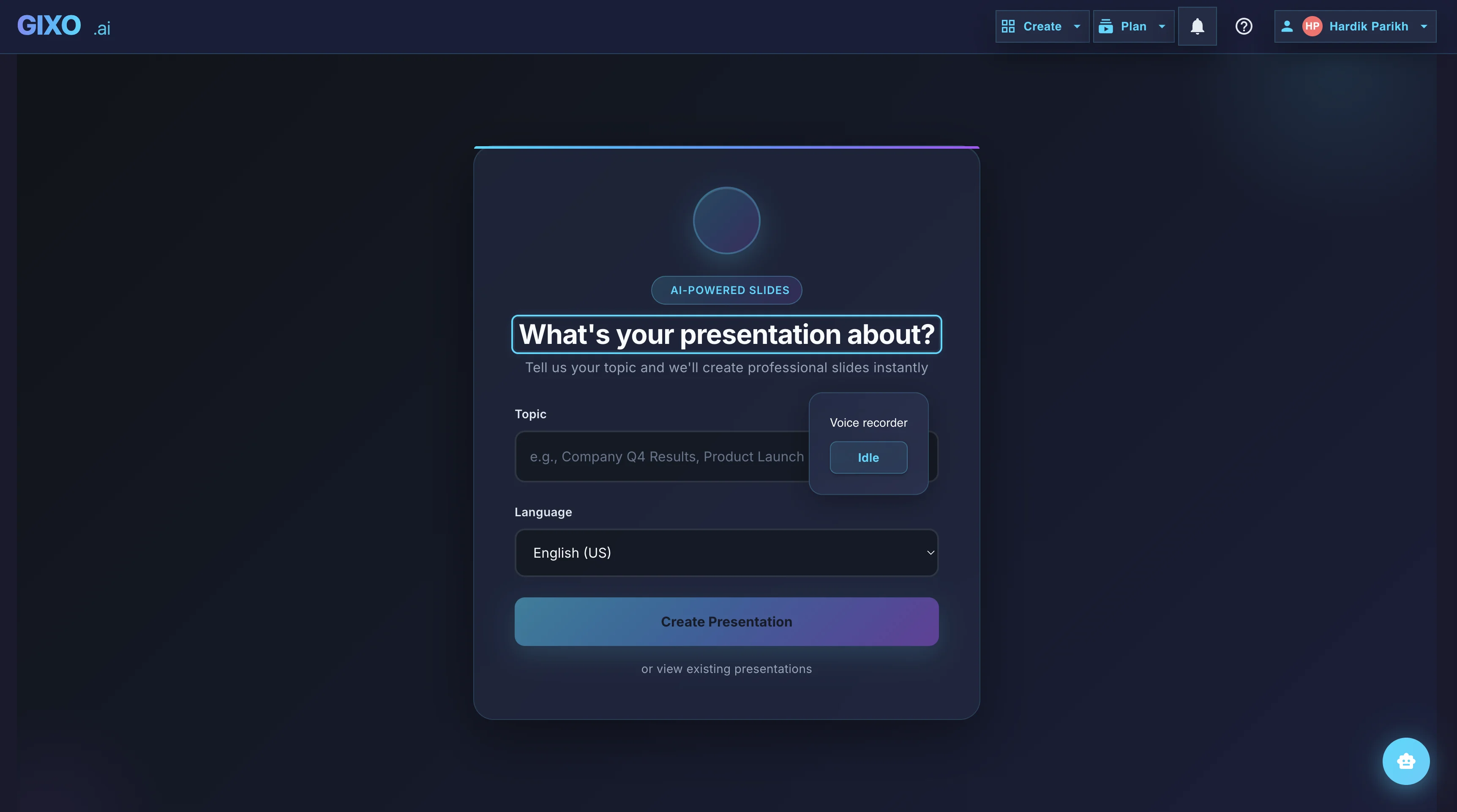
Outline First
Deck creation starts from source material and workflow fit, so the structure is reviewable before the full deck is generated.
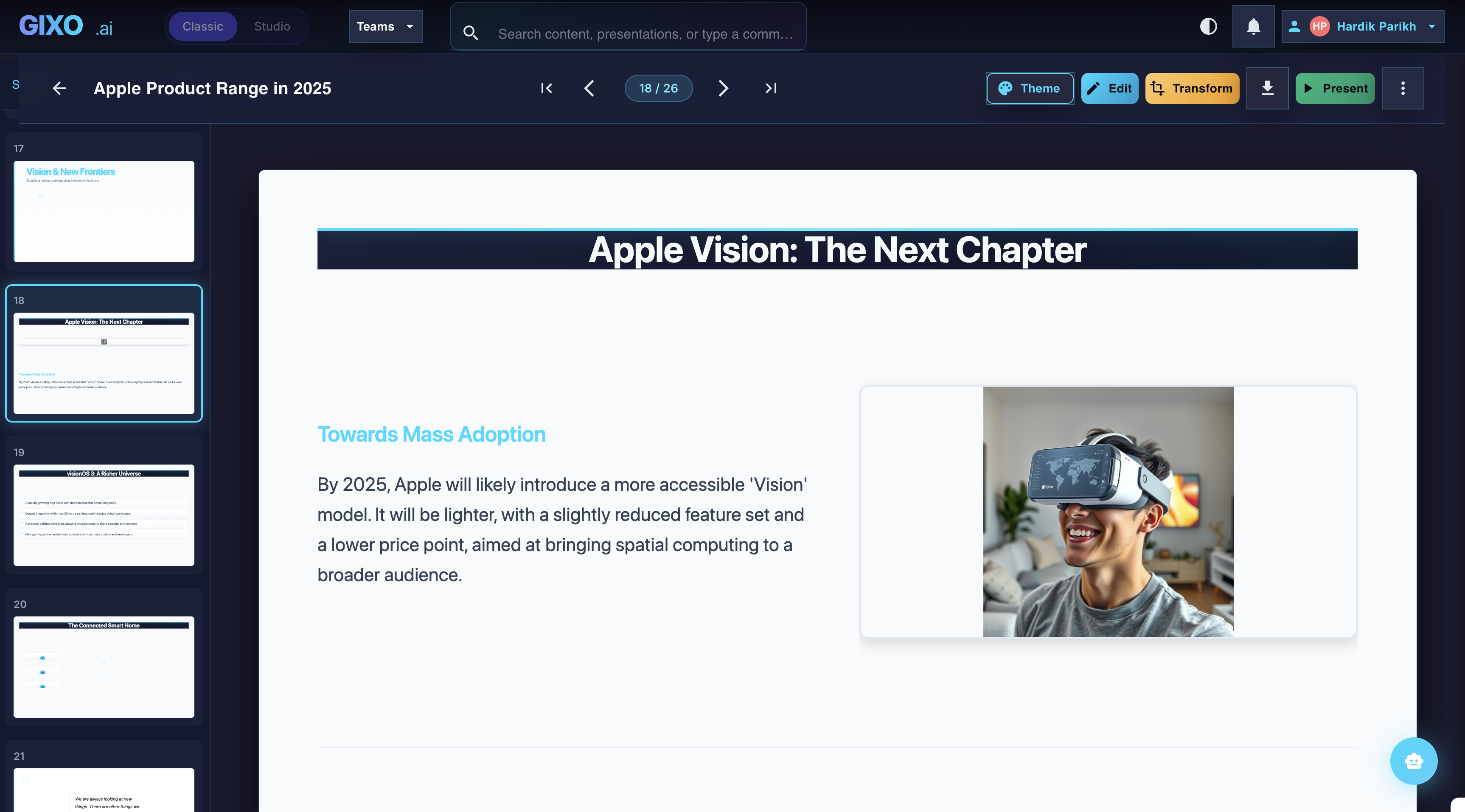
Edit the Finished Deck
Theme changes, slide-level edits, transformations, and layout control stay inside the same workspace after the first pass lands.
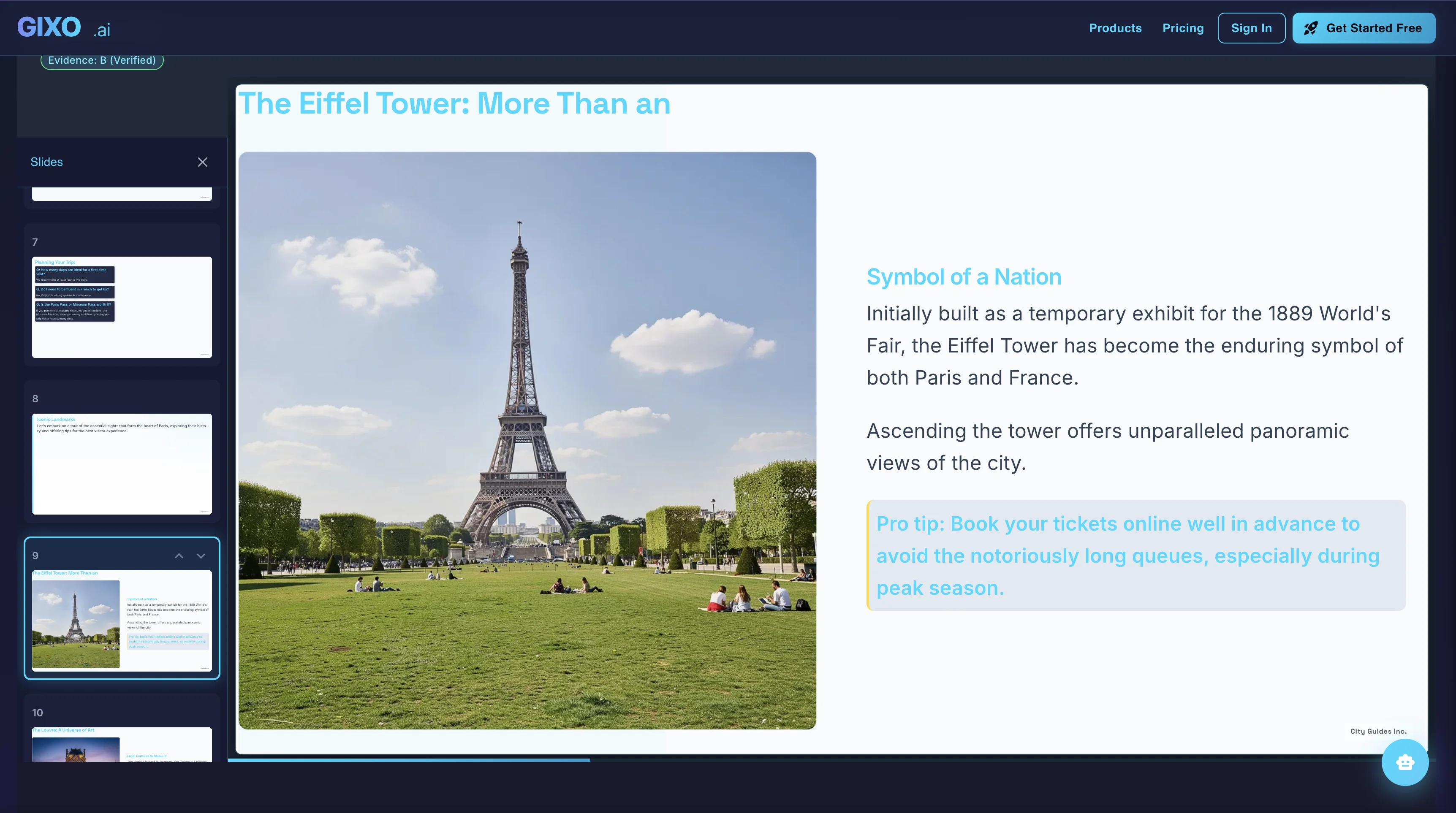
Present and Export
Presenter notes, citations, shareable delivery, and exports belong to the same deck instead of being rebuilt in another presentation tool.
How the AI Deck Generator Works
Start from a topic for the fastest result, or use the outline-first workflow for notes, a brief, an article, or uploaded reference material.
Pick the workflow fit and visual direction up front so the first pass matches the audience, the business context, and the deck style you actually need.
Review the outline first if you want, then let Gixo build the full deck with workflow-specific structure, layout rhythm, evidence checks, and slide types.
Refine slides, review citations, update notes, then present, share, or export the same finished deck.
Frequently Asked Questions
Want the full AI presentation platform overview? Visit our AI Presentation Maker page.