
AI Presentation Maker
Build finished decks in minutes. Start from a topic, notes, brief, or article, then keep outline control, editing, source grounding, and presenter-ready delivery inside the same workspace.
Everything You Need to Finish Presentations with AI
Create a finished presentation in one workspace, with outline planning, workflow-specific structure, slide editing, citations, presenter tools, and export attached to the same deck.
Keep decks grounded to source material and approved web research when needed. Gixo extracts key claims, highlights what needs verification, and surfaces citations, attribution, and trust status inside the deck viewer.
Start from a topic, notes, brief, article, or uploaded material and get a complete, structured presentation without rebuilding the story slide by slide.
Choose from themes designed for business, startup, academic, creative, editorial, and workflow-specific contexts. Every theme includes coordinated typography, colors, and slide layouts.
The AI selects the right layout for each slide — title slides, bullet lists, data cards, timelines, comparisons, team grids, and more. Every layout is optimized for readability at deck scale.
Edit any slide after generation. Change text, swap layouts, add images, regenerate individual slides, or restructure the entire deck to match your needs.
Generate custom visuals for any slide using built-in AI image creation. No stock photos needed — images match your presentation theme and content automatically.
Review evidence and citations, then export or present directly in the browser with speaker notes and presenter controls attached to the same deck.
Proof from the actual deck workflow
Citations, speaker notes, present mode, and PPTX, PDF, HTML, and slide-image exports stay attached to the same deck.
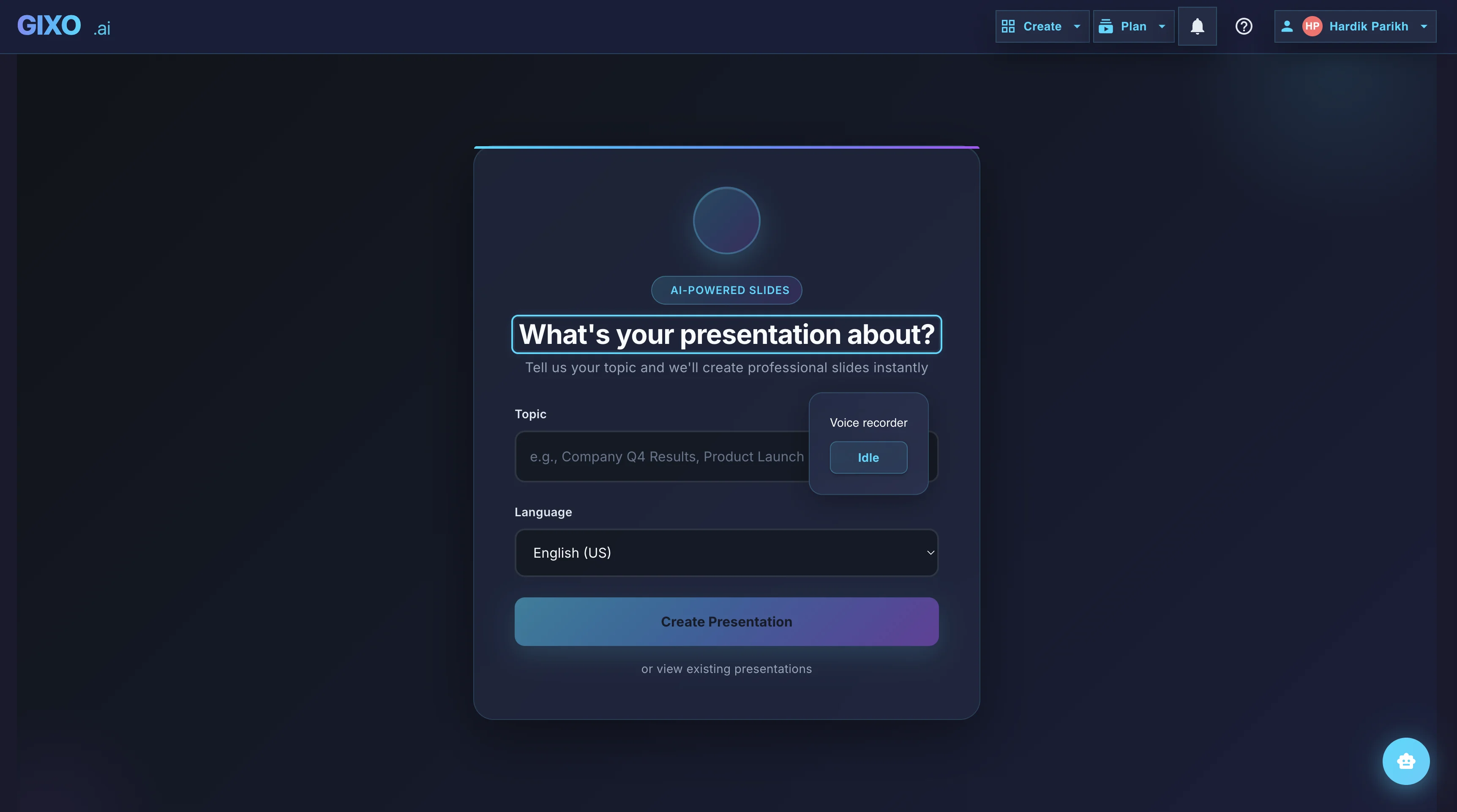
Outline First
Deck creation starts from source material and workflow fit, so the structure is reviewable before the full deck is generated.
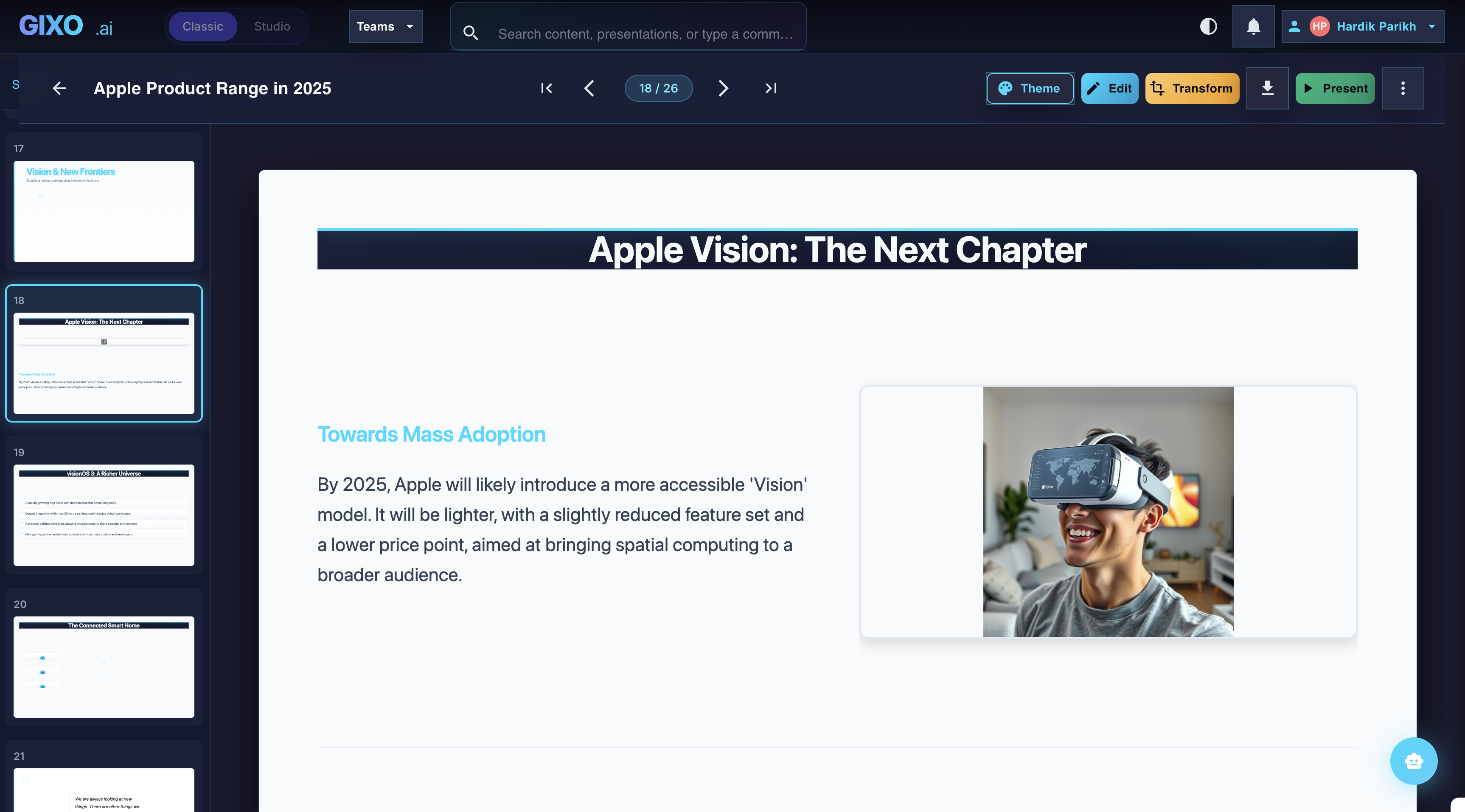
Edit the Finished Deck
Theme changes, slide-level edits, transformations, and layout control stay inside the same workspace after the first pass lands.
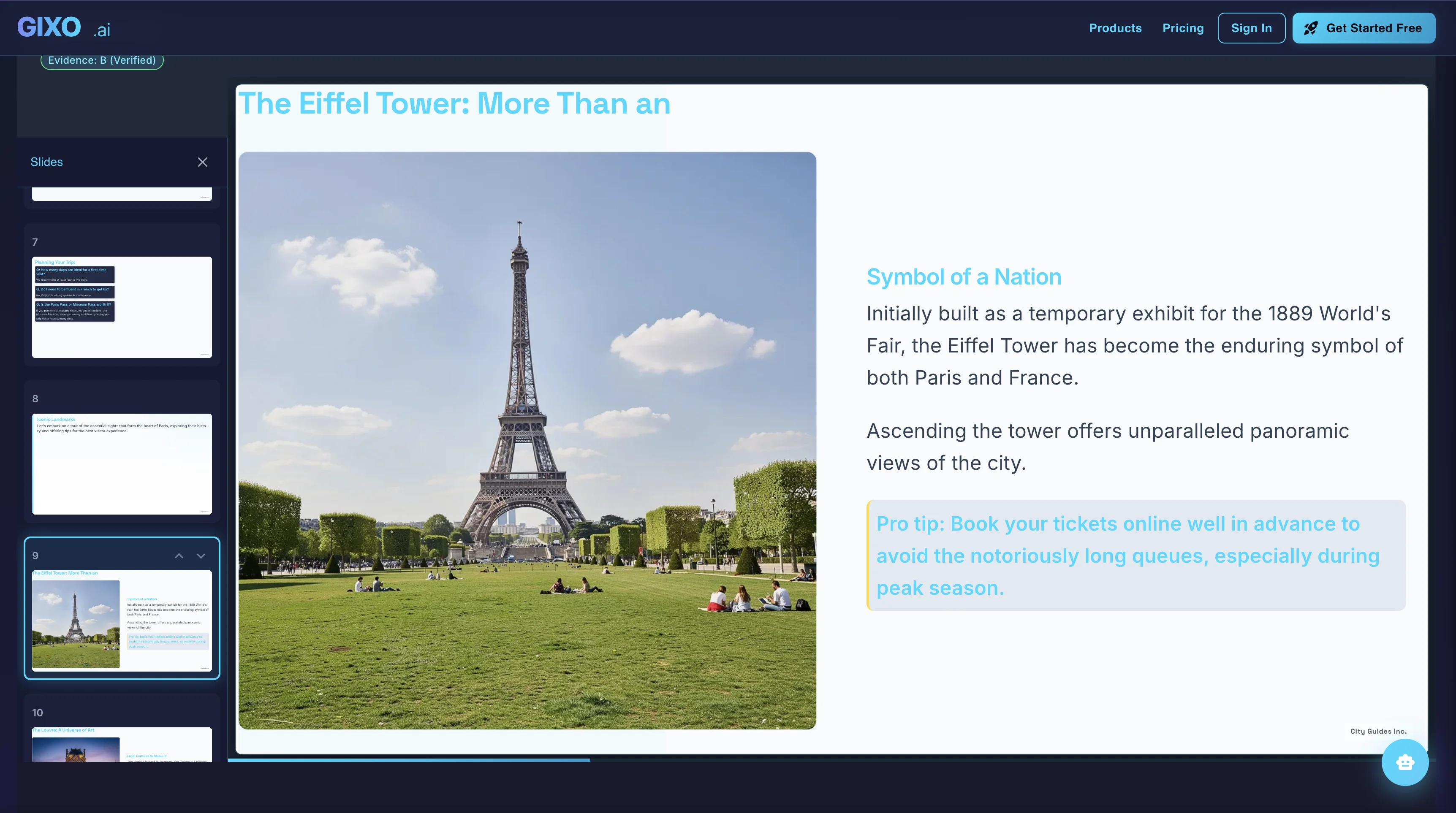
Present and Export
Presenter notes, citations, shareable delivery, and exports belong to the same deck instead of being rebuilt in another presentation tool.
How the AI Presentation Maker Works
Type any subject, paste notes, upload source material, or describe your presentation. The AI understands context and plans the right structure.
Browse curated workflows and themes, then pick the direction that fits the audience and the kind of deck you need to finish.
Review the outline first if you want, then let Gixo build the presentation with grounded claims, content sections, data layouts, and closing slides.
Refine any slide, add AI images, review the sources, then export or present directly from the browser.
AI Presentation Maker vs Traditional Tools
See how an AI-powered presentation maker compares to building slides manually.
| Feature | Gixo | PowerPoint | Google Slides | Canva |
|---|---|---|---|---|
| AI generates full deck | Yes | No | No | No |
| Topic to slides in minutes | Yes | No | No | No |
| Professional themes | 20+ | Basic | Basic | Templates |
| Slide layouts | 25+ | Manual | Manual | Templates |
| AI image generation | Built-in | No | No | Add-on |
| Full editing after creation | Yes | Yes | Yes | Yes |
| PDF export | Yes | Yes | Yes | Yes |
| Design skills required | None | High | High | Medium |
What Can You Make?
The AI presentation maker adapts to any context — business, education, marketing, and more.
Business Reports
Quarterly reviews, department updates, and executive summaries with data-friendly layouts and corporate themes.
Pitch Decks
Investor-ready decks with problem-solution narrative, market sizing slides, and financial projections.
Educational Lectures
Course material, thesis defenses, and conference talks with clear structure and academic themes.
Marketing Decks
Campaign plans, brand presentations, and go-to-market strategies with creative and vibrant themes.
Project Updates
Sprint reviews, milestone reports, and stakeholder updates with timeline and status layouts.
Strategy Reviews
SWOT analyses, competitive landscapes, and strategic roadmaps with comparison and data card layouts.
Frequently Asked Questions
Explore more: AI Slide Generator · AI Deck Generator · AI Presentation Creator · Create Presentation with AI